How to reconnect and operation when failed to reconnect?
When KH-23 is connected with your cell phone successfully once, it will reconnect to the paired device automatically when power on. If failed, please press and hold the MFB for 5-7 seconds to reconnect.
How to pair the Bluetooth headset to computer?
Power on the Bluetooth headset, and turn on the Bluetooth on your computer: Select Computer Settings > Bluetooth & other devices > Add Bluetooth or other device > Bluetooth > Find KH-23 and click to connect.
How to activate voice assistant?
Press and hold MFB for 1 second to wake up the voice assistant.
How to delete paired records?
In standby status, press and hold volume + and MFB at the same time for 5 seconds to clear the pairing record, now KH-23 will not connect to previous devices automatically.


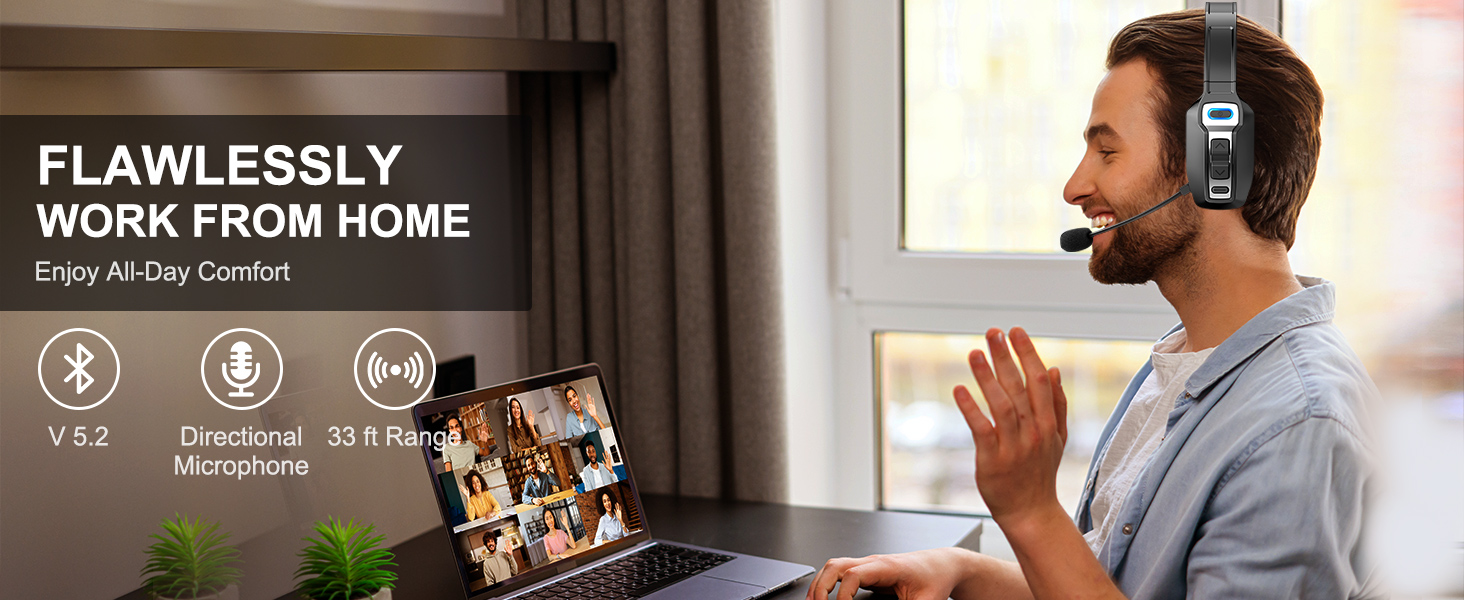


Product description
Experience unparalleled sound quality with our cutting-edge earphones
Combining cutting-edge technology, premium materials, and meticulous craftsmanship, Sarevie's headphones quickly gained a reputation for their exceptional quality and innovative features. As the brand grew, so did its commitment to delivering unparalleled audio performance and user satisfaction.
The best choice for lightweight and comfortable
The Best Companion for Truck Drivers


From the brand


![Car Phone Holder for Magsafe [80+LBS Max Suction & 2500gf Magnetic]](https://m.media-amazon.com/images/I/71ToV4cBzWL._AC_SY300_SX300_QL70_FMwebp_.jpg)


